
Frequently asked questions
When the vehicle is connected to a Supercharger, the driver can select Drive, hold the brake pedal, and press Activate on the warning screen. The vehicle can then pull away with the cable connected, physically breaking the connection and potentially causing damage.
As of October 6, 2026, the feature is being delivered through software update 2026.38.3 and is announced for Supercharger stations in the United States. Model S and Model X vehicles built before 2021 are not supported.
No. When there is no danger, the driver should release the connector lock and remove the cable normally. Emergency Drive Away is intended only for situations where it is more dangerous to remain at the charging station.
On October 1, 2026, the Tesla Charging team demonstrated Emergency Drive Away—a feature that allows the driver to start moving while the vehicle is connected to a Supercharger. It is intended for situations when staying at the charging station is dangerous and there is no time to disconnect the cable normally. This is an emergency exit, not a quick way to end a charging session.
The key points in 30 seconds. As of October 6, 2026, the feature is being delivered through software update 2026.38.3 and is announced for Superchargers in the United States. Model S and Model X vehicles built before 2021 are not supported. During an emergency departure, the connector does not detach normally: the vehicle pulls away with the cable still connected, which can damage both the vehicle and the charging station.
How It Differs From Normal Charging
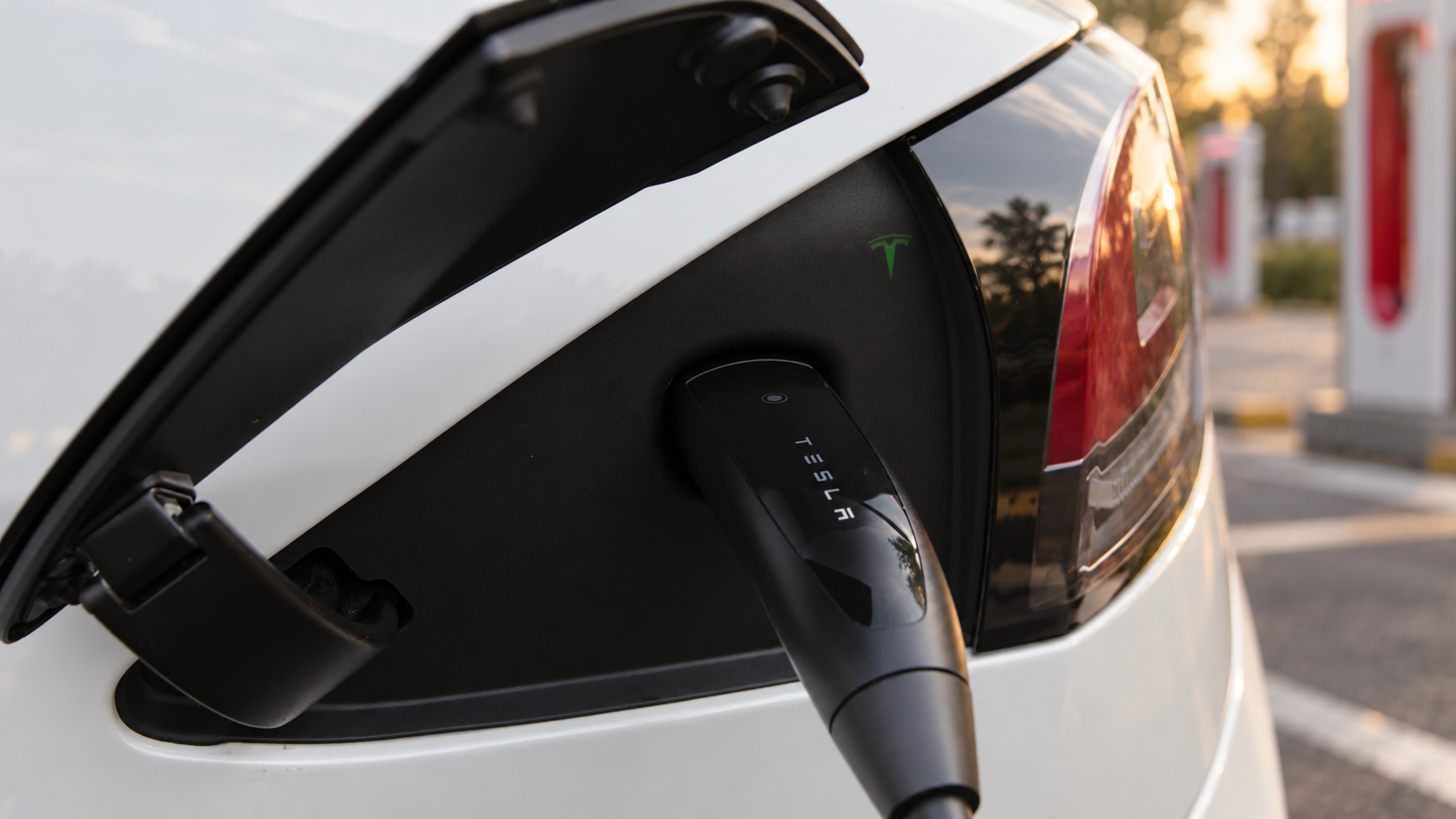
In normal operation, Tesla prevents the vehicle from being put into Drive while the charging cable is connected. To end a Supercharger session, the Tesla instructions say to hold the button on the connector handle, wait for the locking mechanism to release, and remove the cable. This interlock helps prevent the driver from pulling away while still connected.
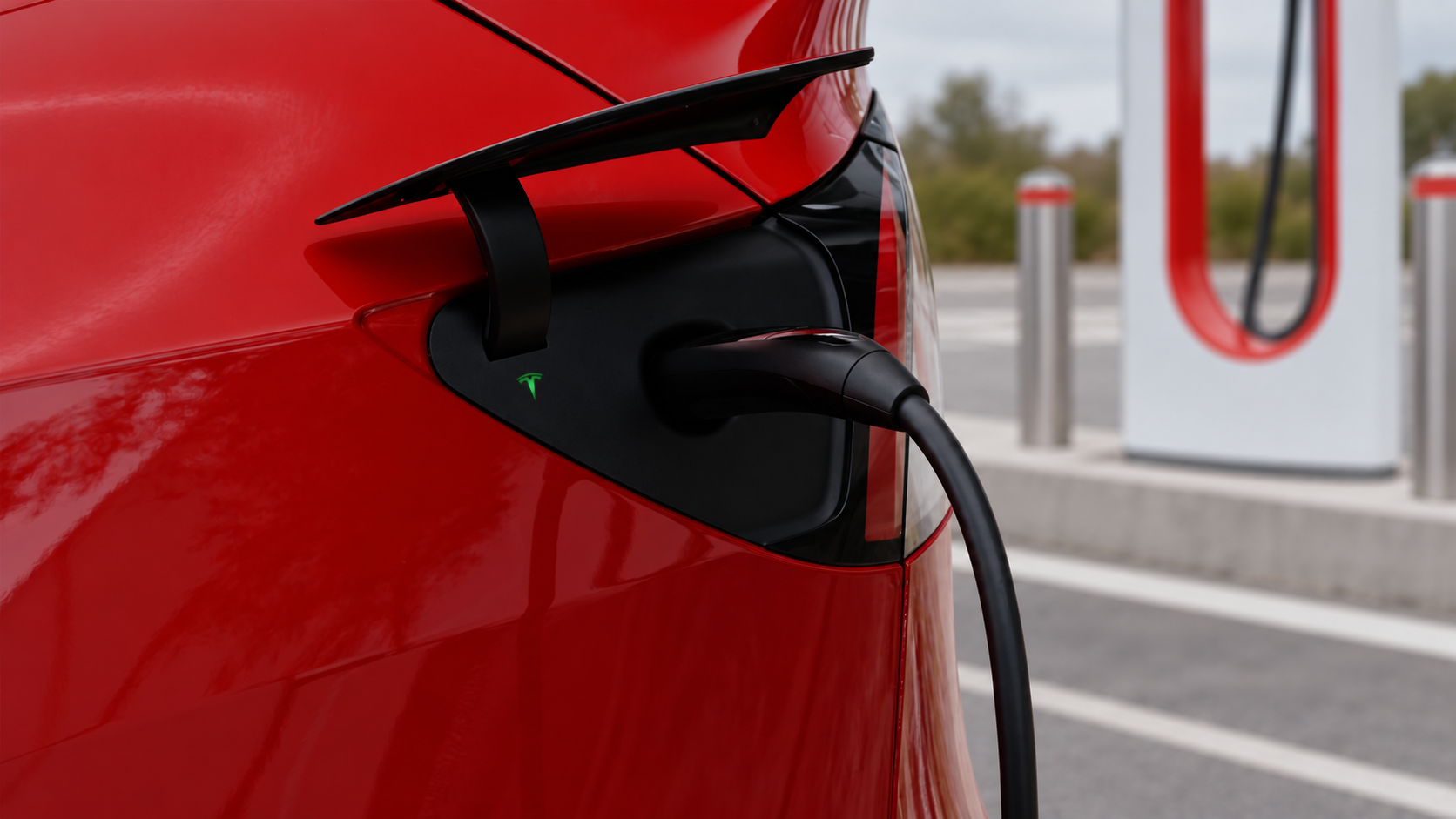
Emergency Drive Away creates an exception for dangerous situations. When the driver attempts to select Drive while connected to a Supercharger, a warning appears on the screen. To confirm, the driver must hold the brake pedal and press Activate. The vehicle can then move with the cable still connected. The connector does not release normally: Tesla's demonstration shows the connection physically breaking as the vehicle pulls away.
Situation | Driver's action | What happens |
|---|---|---|
Charging is complete and there is no threat | Release the lock and remove the connector | The cable disconnects normally |
You need to leave a dangerous place immediately | Confirm Emergency Drive Away on the screen and leave | The connected link breaks; damage is possible |
Where the Feature Is Available and Which Vehicles Support It
According to Car and Driver and Autoblog, Emergency Drive Away requires software version 2026.38.3 or later. For now, the feature is limited to Supercharger stations in the United States; Tesla Model S and Model X vehicles built before 2021 are excluded. This does not mean the update has already reached every eligible vehicle: Tesla rolls out updates gradually. You can check the software version and available updates on the vehicle's screen under Controls → Software or in the Tesla app.
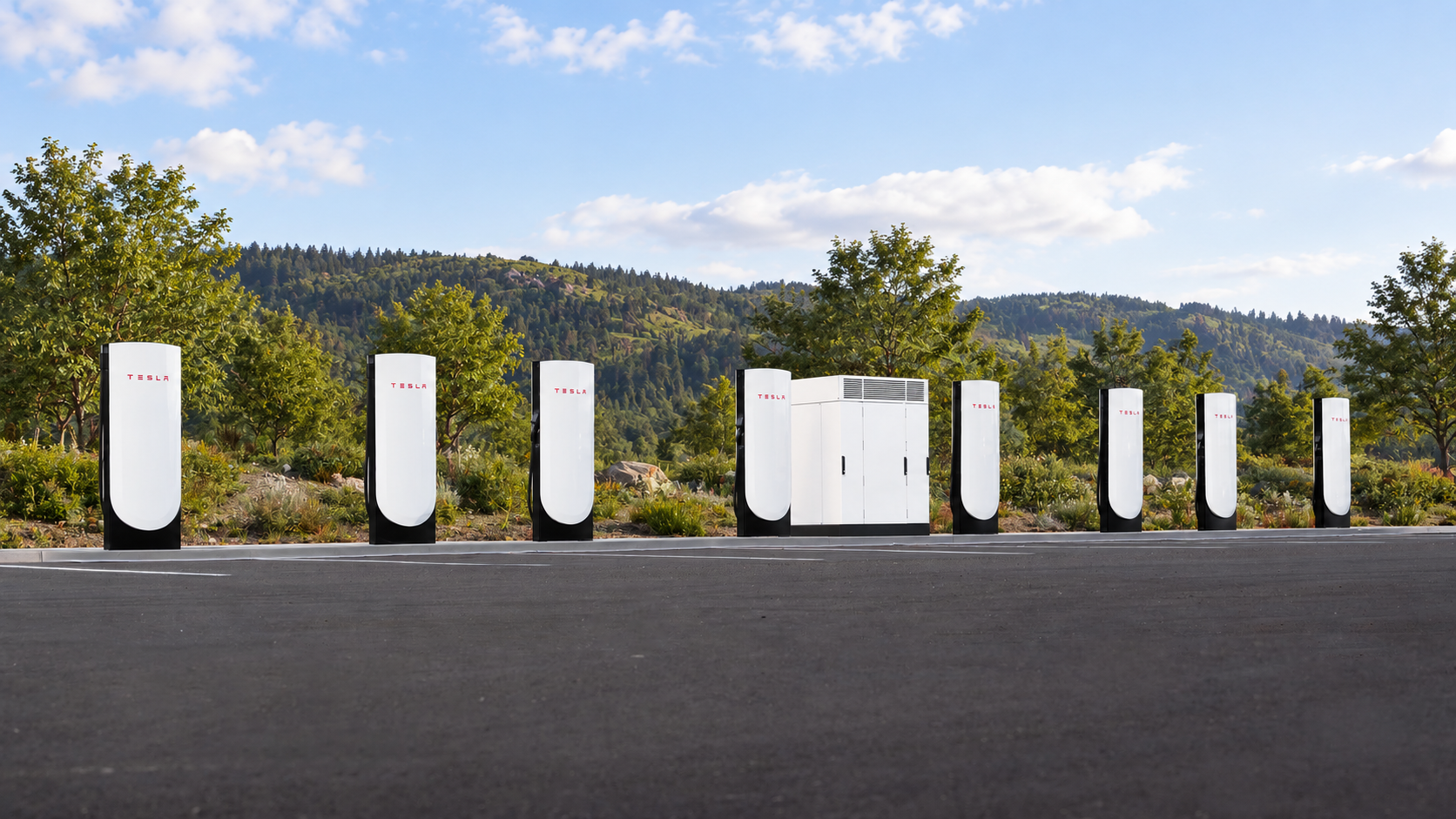
What owners should check. Before a trip, check the software version and update notes for your specific vehicle. Do not test Emergency Drive Away by pulling away from a charger: normal cable disconnection remains the correct way to end a charging session.
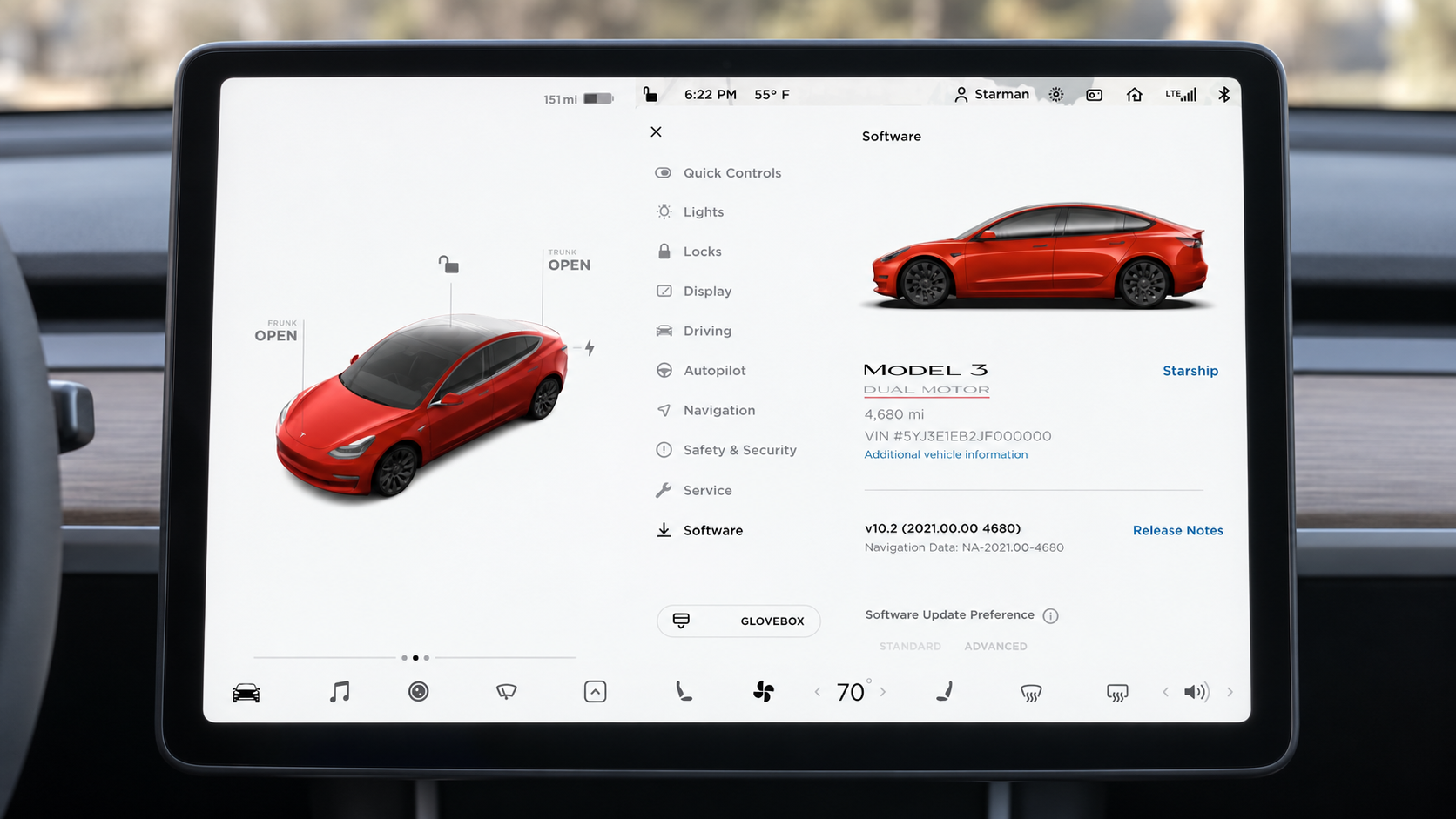
What Remains Unclear
Tesla has not announced when the feature will become available outside the United States. There is also no single published repair cost following its use: the consequences depend on which parts of the vehicle and charging station are damaged. The on-screen warning should therefore be taken literally—use the mode only when remaining at the charger is more dangerous than leaving with the cable connected.